
The San Joaquin County Superior Court Clerk's Office
The Clerk of the Superior Court is a court office, not an elected county post. California unified its trial courts in 1998, which folded older municipal court clerk roles into the Superior Court. In San Joaquin County, the clerk function is split across the court's divisions and a central Records Management office. Civil, family, probate, criminal, juvenile, traffic, and small claims each have their own filing windows and case-management teams. They all roll up to the same court, the Superior Court of California, County of San Joaquin, at 180 East Weber Avenue in Stockton.
The clerk's day-to-day work covers four big areas. Staff take in new filings and check them for form and fee. They keep the register of actions, which is the case event log that judges and the public read. They issue and certify copies of court records when a party or the public asks for them. And they run the case-search tools that let the public look up a case by party name or case number. The court warns that the online tools are not the official court record, so for legal use a certified copy must come from the clerk.
Contact for court records:
Superior Court Records Management
Office: San Joaquin County Superior Court
180 East Weber Avenue
Stockton, CA 95202
Hours: Monday-Friday, 8:00 AM to 4:00 PM
What the Superior Court Clerk Handles vs the ARCC
California splits county-level records work between two offices. The Clerk of the Superior Court holds court case files. The Assessor-Recorder-County Clerk, known as the ARCC, holds recorded property documents and vital records. The two offices have different addresses, different web pages, and different fees. Confusing them is the most common mistake users make on a San Joaquin County records search.
The court clerk file room covers court cases. The ARCC file room covers real property and vital events. A marriage certificate comes from the ARCC. A divorce judgment comes from the court. A grant deed comes from the ARCC. A small claims judgment comes from the court. The court does not record deeds, and the ARCC does not keep court files.
The court warning under California Rule of Court 2.507 also matters here. Public criminal searches at the Superior Court do not include date of birth or driver license fields, so common-name searches can return more than one match. The ARCC's Tyler portal uses a grantor and grantee index instead and treats the index as a finding aid, not the recorded document.
Records handled by the Superior Court Clerk:
- Civil, small claims, and unlawful detainer case files.
- Criminal complaints, informations, indictments, and dockets.
- Family law petitions, divorce judgments, custody, and support files.
- Probate, guardianship, and conservatorship cases.
- Juvenile and traffic case files, subject to access limits.
- Court-issued certified copies, exemplified copies, and Letters.
Records handled by the Assessor-Recorder-County Clerk:
- Recorded deeds, deeds of trust, reconveyances, and liens.
- Maps, notices, and other recorded real property documents.
- Marriage licenses and certified marriage records.
- Certified birth and death records where the county has authority.
- Fictitious business names and other non-court clerk filings.
Assessor-Recorder-County Clerk (ARCC)
Office: San Joaquin County Assessor-Recorder-County Clerk
Stockton, CA
Online: sjgov.org/department/assessor
Recording info: Recorder-County Clerk information
Marriage license: Marriage license page
Vital records: Vital records page
The ARCC's home page sits at sjgov.org/department/assessor and is shown below. Use it as the starting point for any non-court record.
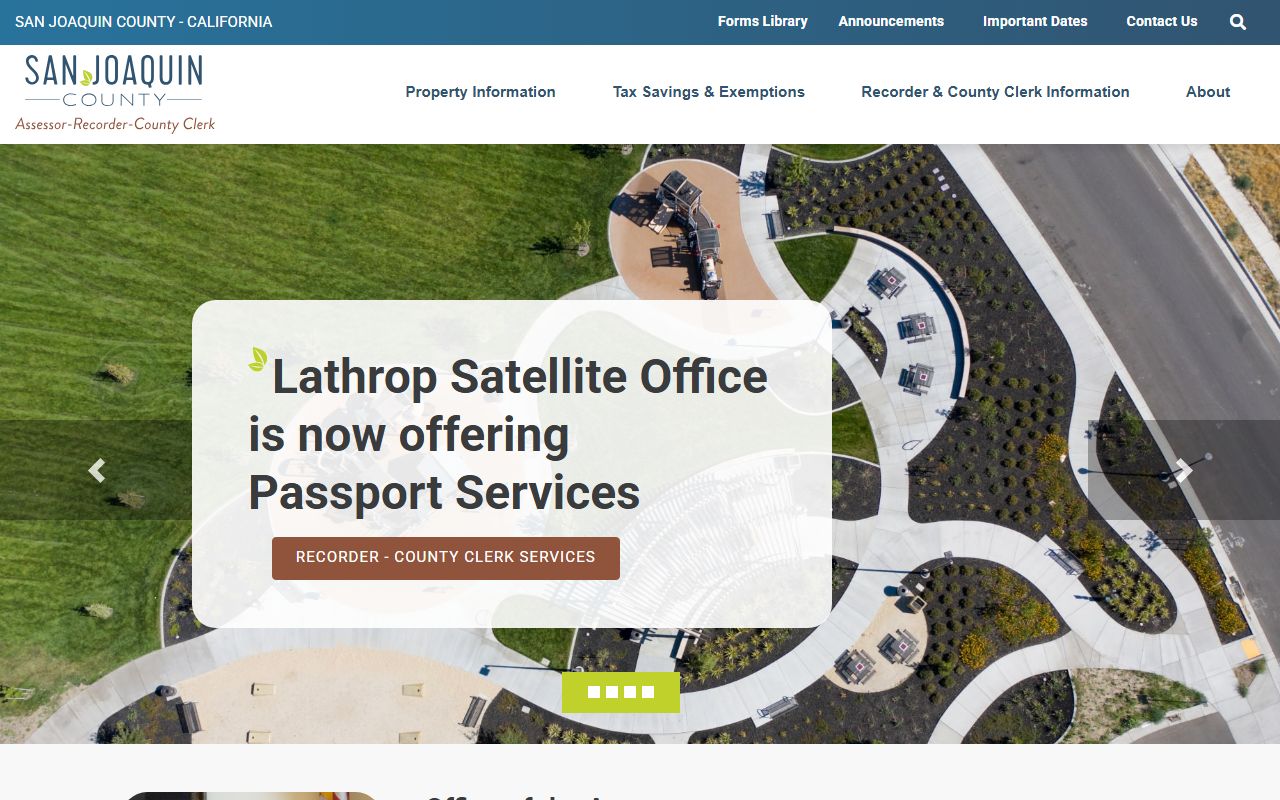
That page links to recording, vital records, marriage license, fees, and the Tyler portal for the official records index.
How to Request a Certified Copy of a Court Record
A certified copy is a court-stamped duplicate of a court document. The clerk's seal and signature make it usable for a judge, a state agency, a bank, an immigration matter, or a probate filing. Plain copies are fine for personal reference but do not carry that legal weight. The court's Records Management page is the start point. Have your case number ready before you go in or mail in your request.
- Find the case number. Use the party-name search at sjcourts.org/search-case-by-party or the case-number portal at FullCourt Enterprise. The court gives CR-2020-9091 as a sample case-number format.
- Identify the exact document. Write down the title, the file date, and the page count if known. A minute order, judgment, divorce decree, and Letters are common requests.
- Pick the request method. Records Management accepts requests in person at 180 East Weber Avenue in Stockton, by mail to the same address, and for some matters online. Older criminal Register of Actions before October 19, 2015 may need onsite review.
- Pay the fee. Use the current court fee schedule for copy and certification amounts. Plain copies, certified copies, and certification add on as separate line items.
- Get the copy. Walk-in requests are often filled the same day for short files. Mail and older-file requests take longer, especially if the file is archived on microfilm.
Note: Online case-search results are not certified and do not carry the clerk's seal, so they are not court-ready proof.
San Joaquin County Records Management Division
Records Management is the court's central records office. Staff handle copy requests, certified copies, older file retrieval, and access questions tied to California Rule of Court 2.503 and Rule 2.507. The page also explains what is not online. Criminal Register of Actions for cases before October 19, 2015 may require an onsite review or a copy order. Sealed, juvenile, mental health, and adoption files are not delivered to the public without a court order or a statutory right of access.
The office supports the work of the trial court divisions. When a clerk in family law, probate, civil, or criminal needs to pull a closed file, Records Management is the team that finds it. When a member of the public needs a certified copy of a divorce judgment from twenty years ago, the request also routes through this office. Use the Records Management page for the current request form, hours, and contact information.
Common reasons people contact Records Management:
- Certified copy of a divorce judgment for a name change or remarriage.
- Certified copy of a criminal disposition for a job, license, or visa file.
- Letters Testamentary or Letters of Administration for an estate.
- Certified copy of a small claims judgment to enforce a debt.
- Access to an older case file not shown on the public portal.
- Copy of a minute order or sentencing order for an appeal or post-conviction motion.
Note: Records Management does not give legal advice and cannot tell a requester whether a record is the right one for a court filing.
Filing Documents With the San Joaquin Superior Court
The clerk takes in new cases and later filings in the same case. Each division has its own intake. Civil cases go to the civil division. Family law cases such as divorce, custody, and support go to the family law division. Probate, guardianship, and conservatorship matters go to the probate division. Criminal cases go to the criminal division. Small claims and unlawful detainer have their own paths inside civil.
Filings need the right form, the right caption, the right number of copies, and the right fee or fee waiver. The court accepts paper filings at the window and supports e-filing for many case types. Service of the other side is the filer's job, not the clerk's. The clerk will stamp a filing as conforming once it meets the basic checks, but a conformed copy is not a ruling on the merits.
Common first filings include:
- Civil complaint and summons, with proof of service.
- Family law petition, summons, and UCCJEA declaration if children are involved.
- Probate petition for probate of will or for letters of administration.
- Small claims plaintiff's claim and order to go to small claims court.
- Unlawful detainer complaint with prejudgment claim.
- Application to waive court fees and costs.
Court Forms and Local Forms
San Joaquin Superior Court uses two form sets. Statewide Judicial Council forms cover most case types and are published by the California Courts. Local forms are San Joaquin-specific and cover items that vary by court, such as scheduling, local notice, and certain case-management orders. A filing may need both. The court's local forms page lists the San Joaquin set. The form packets page groups forms by case type.
The Judicial Council library at courts.ca.gov/forms.htm holds the statewide forms. The library is searchable by form number, name, or category, which is useful when a packet calls for a numbered form that the user has not seen before.
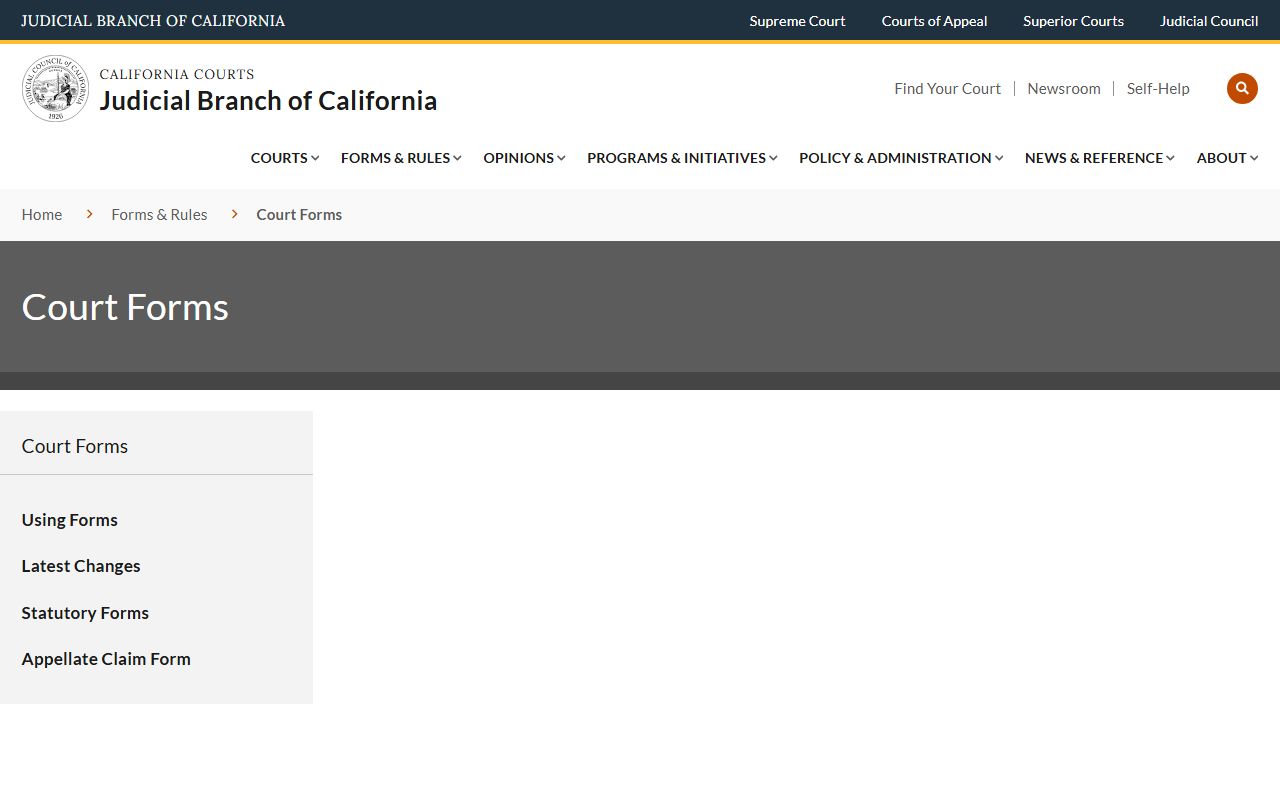
The Judicial Council page links every form a San Joaquin filer is likely to need, from civil cover sheets to probate inventory and appraisal forms.
Local form packets cover:
- Adoption and stepparent adoption.
- Dissolution, legal separation, nullity, and summary dissolution.
- Custody, visitation, and child support modification.
- Domestic violence, civil harassment, elder abuse, and gun violence restraining orders.
- Probate of a decedent's estate, guardianship, and conservatorship.
- Small claims, name change, and unlawful detainer.
- Fee waiver, contempt, and disclosure forms.
San Joaquin County Court Clerk Fees
Court fees come from the statewide schedule and from San Joaquin-specific items. The court posts the current schedule on the court fee schedule page. Filing fees vary by case type and by amount in controversy in civil cases. Copy fees are charged per page, and a separate certification fee is added when the clerk certifies the copy. The court does not invent fees and the schedule moves over time, so always check the current page before sending payment.
General fee categories used by Records Management and the filing windows:
| Item | Source |
|---|---|
| Civil, probate, family, and small claims filing fees | Court fee schedule |
| Plain copy of a court document, per page | Records Management |
| Certified copy of a court document, per page | Court fee schedule |
| Certification fee added to a certified copy | Court fee schedule |
| Records search fee where applied | Court fee schedule |
| Exemplified copy | Court fee schedule |
The court allows a person who cannot afford fees to apply for a fee waiver. The Judicial Council fee waiver forms set out the income and asset rules. If the waiver is granted, most filing fees and many copy fees are waived for that case.
San Joaquin County Records Request Form Fields
A records request gives staff enough detail to pull the right file. Vague requests delay the work. The court's intake fields look like the table below. Fill in as many as you can and leave a phone number in case the clerk needs to ask a question.
| Field | Required | Notes |
|---|---|---|
| Case number | Strongly preferred | Use party search to find it if not known. Sample format CR-2020-9091. |
| Case caption or party names | Yes | Last, first, middle, or company. |
| Case type | Yes | Civil, criminal, family, probate, juvenile, traffic, small claims. |
| Document description | Yes | Judgment, minute order, complaint, Letters, register of actions. |
| Date or date range | Yes | File date or date range when filed. |
| Number of copies | Yes | Plain or certified, with page count if known. |
| Return format | Yes | Paper, electronic, or both. |
| Delivery method | Yes | Pickup, mail, or email where allowed. |
| Requester name and contact | Yes | Phone and address for follow-up. |
| Payment | Yes | Per fee schedule. Fee waiver allowed if granted. |
Older Records and Archived San Joaquin County Files
Old cases are still court records, but how they look on the public side depends on the case type, the file date, and the retention rule that applies. California Government Code sections 68150 and 68152 control trial court record preservation and retention. Some records are kept on paper, some on microfilm, some imaged, and some destroyed under the statutory schedule. The court's online search does not show every file ever filed in San Joaquin County.
For criminal cases, the FullCourt portal flags October 19, 2015 as the line for older Register of Actions access. Files before that date often need a copy request through Records Management or an onsite review at the court. Civil and family cases follow similar limits when the file predates the current electronic system. Probate files for older estates are often retrievable, but the case number may need a court records search by party name and date range first.
Tips for older San Joaquin County court records:
- Start with a party-name search and the broadest year range allowed.
- Have the case number, party name, and approximate file year when you call.
- Ask whether the file is on paper, microfilm, or imaged.
- Build in extra time for mail and archive retrieval.
- Confirm whether the record is sealed before paying for a copy.
Contacting the San Joaquin County Clerk's Office
The clerk's office runs out of the main San Joaquin County Courthouse in downtown Stockton. Most divisions are at 180 East Weber Avenue. Court hours are Monday through Friday from 8:00 AM to 4:00 PM, with the office closed on court holidays. The court locations and contact page lists each division and the related phone numbers. For records-only questions, the Records Management page is the best starting point.
The clerk staff can give procedural information. They can show what form to use, what the filing fee is, and how a hearing is set. They cannot give legal advice. For legal advice, San Joaquin court users can contact a lawyer, the San Joaquin County Public Defender for eligible criminal matters, or use court self-help for civil and family questions.
Related San Joaquin County resources: see the San Joaquin Superior Court page for court divisions and the court hierarchy, court records for the public search portals, marriage and divorce records for the ARCC and family law split, probate records for estate filings, and public records for the California Public Records Act framework that covers county agencies outside the court.