
What a San Joaquin County Court Docket Is
A docket is the running event log for a court case. In California trial courts the formal name is the register of actions. The Superior Court of California, County of San Joaquin uses both terms in practice. The register of actions lists every filing, hearing, minute order, notice, motion, ruling, continuance, warrant, and judgment in date order. It is the closest thing the public has to a live status line for a court case.
The docket is not the full case file. The full case file holds the pleadings themselves: complaints, answers, motions, exhibits, declarations, and orders. The docket points to those documents and shows when they were filed, but the documents themselves may need a separate copy request through Records Management at the main Stockton courthouse.
The docket is also not the daily court calendar. The daily calendar is the schedule for a courtroom on a given day. It lists which cases are set for arraignment, motions, trial, sentencing, or status hearings in a specific department. A San Joaquin County court docket pulls from many calendars over time. A calendar is a snapshot of one day, one department, and many cases at once.
Note: The Superior Court warns on its public search page that website data is provided as a public service and is not the official court record.
Register of Actions vs San Joaquin County Docket
The terms "register of actions" and "docket" overlap, but they are not the same in every context. California courts use register of actions as the formal name for the chronological case event list. The same data is often labeled docket on public portals and in plain-English court guides. The Superior Court of California, County of San Joaquin follows that practice on its case management search instructions.
The list below maps the common labels to what they actually mean in San Joaquin County court files.
- Register of actions: the official, chronological list of case events kept by the court clerk. This is the source of truth.
- Docket: a plain-English term for the same chronological list. FullCourt Enterprise and many other portals use this label.
- Minute order: a clerk's summary of what happened at a hearing. Minute orders are individual docket entries.
- Calendar: the day-by-day list of cases assigned to a courtroom or department.
- Case file: the full set of pleadings, exhibits, and orders. The docket points to file items; it does not contain them.
For criminal cases, an additional caveat applies. Older San Joaquin criminal Register of Actions records dated before October 19, 2015 may not be displayed remotely. The FullCourt portal notice directs users to onsite viewing at court locations or to a copy request through Records Management for those older dockets.
How to Find San Joaquin County Dockets Online
The Superior Court has two official online routes. Party-name search runs through the court website and is fastest when you do not have a case number. Case-number search runs through the FullCourt Enterprise public access portal at cms.sjcourts.org and is fastest when you do. Both routes lead to the docket once the case is located.
The steps below walk through the FullCourt case-number route, which is the cleaner path for pulling a docket on a known case.
- Start at sjcourts.org/case-management-search for the official entry instructions and the disclaimer.
- Click "Search for a case by case number" or go directly to cms.sjcourts.org.
- Confirm the portal header reads "FullCourt Enterprise - Login / Public Access Portal" for the Superior Court of California, County of San Joaquin.
- Select the public access control. The button is labeled Log In even on the public entry screen.
- Enter the case number in the exact format. The court gives CR-2020-9091 as an example for a criminal case.
- Open the case and scroll to the register of actions or docket tab to see hearings, filings, and dispositions.
- If the case is older criminal, watch for the notice that data before October 19, 2015 may need onsite viewing or a Records Management copy request.
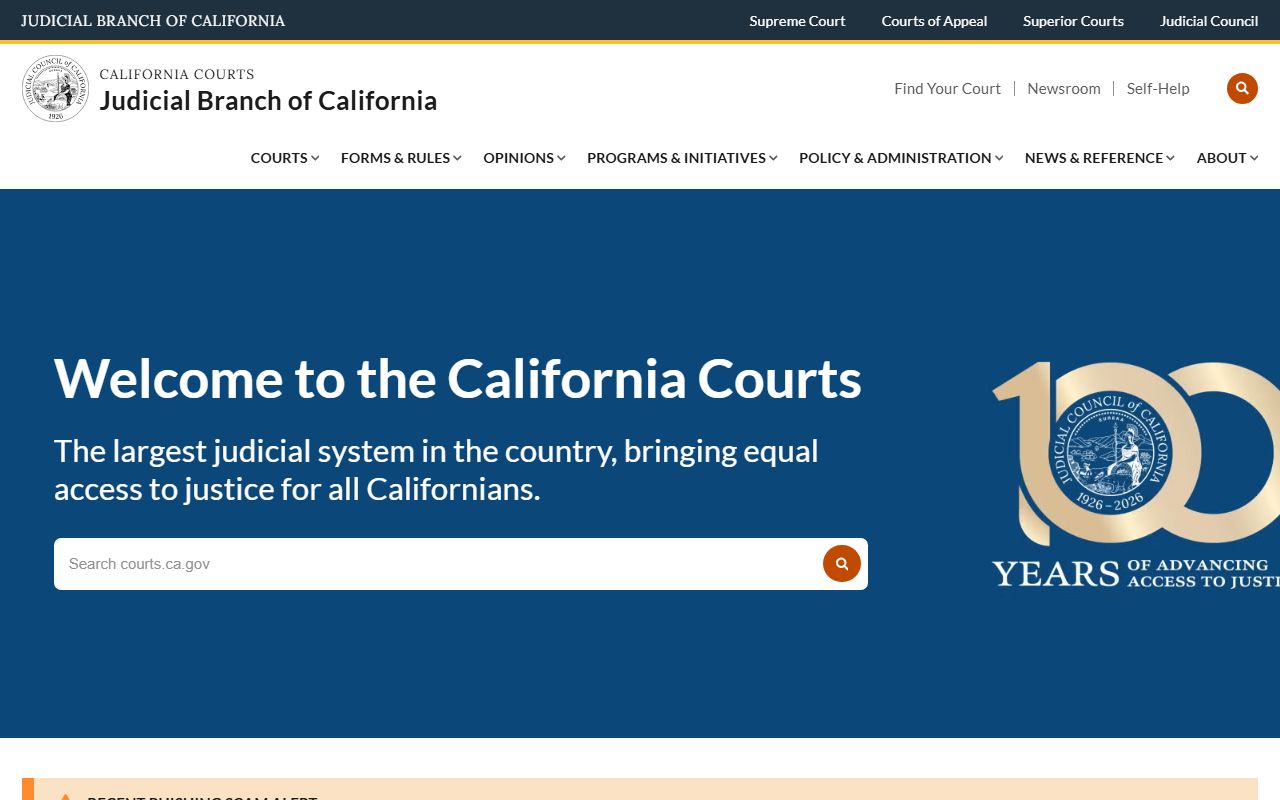
The statewide court site is the next layer of context for docket users. The California Courts site ties San Joaquin Superior Court into the wider trial court network and is the source for rules, forms, and self-help guides that affect what shows on a docket.
If you do not know the case number, run the party-name search first. The party search returns a NAME, CASE NUMBER, and CASE NAME table. Pick the matching case, copy the case number, and move to FullCourt for the full docket view.
Sample San Joaquin County Docket Entry
Each docket entry is a single event. The fields below show what you will see when the Superior Court returns a register of actions for a San Joaquin case. The exact column labels vary slightly between the FullCourt portal and a printed minute order, but the data set is consistent.
| Field | What It Shows |
|---|---|
| Entry Date | Date the event was filed, the hearing was held, or the order was issued. |
| Event Type | Filing, hearing, minute order, judgment, warrant, continuance, notice, motion, proof of service, or disposition. |
| Department | Assigned courtroom or judicial department for that event. |
| Judicial Officer | Judge or commissioner assigned to the event when displayed. |
| Party Filing | Plaintiff, defendant, petitioner, respondent, people, attorney of record, or court on its own motion. |
| Document Description | Short text label for the filing or order. Example: "Motion to Continue," "Minute Order - Sentencing," "Notice of Hearing." |
| Result | Outcome of a hearing event. Example: "Granted," "Denied," "Continued," "Submitted," "Held," "Off Calendar." |
| Next Hearing | Date, time, and department of the next scheduled event in the case. |
| Document Link | Link to a viewable PDF if the court has posted one. Many San Joaquin docket entries do not link to a document and require a copy request. |
Some fields are blank by design. Date of birth, driver's license, financial account numbers, Social Security number, minor names, and protected addresses do not appear on the public docket view. That blanking comes from California Rule of Court 2.507, which limits what may be shown in remote electronic criminal records, and from California Rule of Court 2.503, which sets the broader remote-access policy for trial court records.
Docket Terms in San Joaquin County Court Records
Docket entries use shorthand. The legal terms below show up over and over on a San Joaquin register of actions. Knowing each one will save time when you read a long criminal or civil docket.
- Minute order
- The court clerk's written summary of what happened at a hearing. It is the official record of the event, even if no transcript is produced.
- Register of actions
- The full chronological list of case events maintained by the court clerk. The docket is the plain-English label for the same list.
- Continuance
- A postponement of a hearing to a later date. A continuance entry usually shows the old date, the new date, and which party requested it.
- Disposition
- The current or final outcome of a charge, claim, or full case. Examples include "Convicted," "Dismissed," "Judgment Entered," "Settled," and "Stayed."
- Department
- The courtroom assignment for a hearing. San Joaquin Superior Court uses numbered or lettered departments for civil, criminal, family, probate, juvenile, and traffic calendars.
- Bench warrant
- An arrest order issued by the judge, often after a failure to appear. Bench warrants show up as docket events and may also appear in custody and criminal record searches.
- Off calendar
- An event removed from the schedule without a ruling. A motion can be taken off calendar by the moving party or by the court.
Note: Court staff can explain what a docket entry says, but they cannot give legal advice or predict how a judge will rule on an upcoming motion.
Courts That Publish San Joaquin County Dockets
The Superior Court of California, County of San Joaquin is the only trial court for the county. California's unified court system removed separate municipal, justice, and county courts decades ago. That means a single court runs every docket, but the docket is sorted by division.
The division list below shows which San Joaquin Superior Court branches generate public dockets and where the underlying division pages live on the court site.
- Civil Division: limited civil, unlimited civil, small claims, unlawful detainer, restraining orders, and civil harassment dockets.
- Criminal Division: felony, misdemeanor, arraignment, motion, preliminary hearing, trial, and sentencing dockets.
- Family Law Division: dissolution, legal separation, nullity, parentage, custody, visitation, support, and domestic violence dockets.
- Probate Division: decedent estate, trust, guardianship, conservatorship, and elder abuse restraining order dockets.
- Traffic Division: traffic infraction, traffic misdemeanor, citation, and contested hearing dockets.
- Juvenile Division: dependency and delinquency dockets, with restricted public access under Welfare and Institutions Code section 827.
- Appeals: appellate division for limited civil, misdemeanor, infraction, and small claims appeals; other appeals go to the Third District Court of Appeal.
Federal dockets for San Joaquin residents do not appear in the Superior Court system. Federal civil, criminal, and bankruptcy cases run through the U.S. District Court for the Eastern District of California and are searched through PACER, not through the FullCourt portal.
Rule 2.507 Limits on San Joaquin Criminal Dockets
California Rule of Court 2.507 is the reason the public docket view looks the way it does for criminal cases. The rule limits the personal identifiers that may appear in remote electronic criminal records. San Joaquin's case management search page cites the rule directly. The party search will not accept date of birth or driver's license input because of it.
The image below is the official Judicial Council page for the rule. The Rule 2.507 text spells out which identifiers are off limits in a public criminal record view and helps explain why a search for a common name can return ambiguous results.
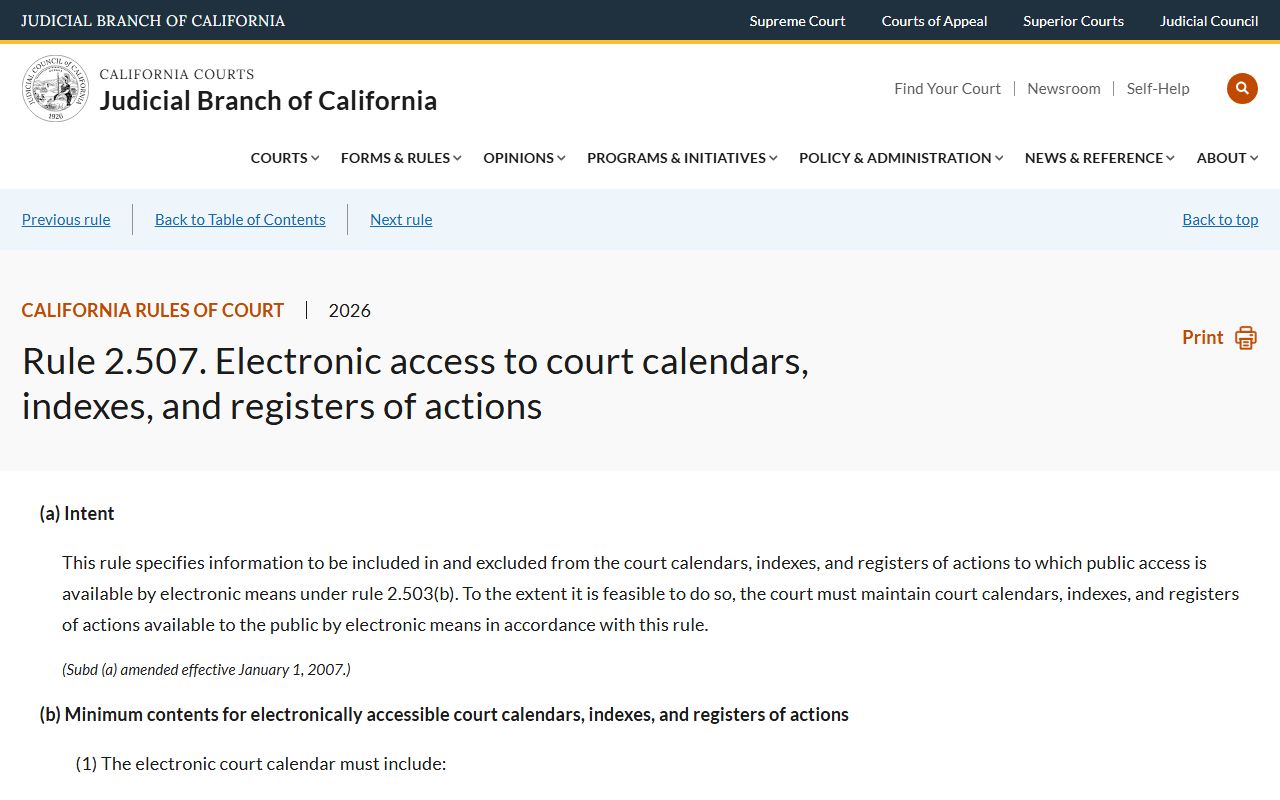
The companion rule, California Rule of Court 2.503, sets the broader remote-access policy for trial court records. Both rules apply to San Joaquin County court dockets, but Rule 2.507 is the one that bites hardest on criminal cases. Older criminal Register of Actions data before October 19, 2015 sits under the same constraints and may need an onsite check.
Docket vs Full San Joaquin Court Case Record
The docket is the chronological event list. The full case record is the underlying paper or electronic file behind those events. Both come from the same Superior Court, but they are accessed in different ways. The chart below sets the two side by side for San Joaquin County court records work.
| Docket | Full Case Record | |
|---|---|---|
| Format | Chronological list of dated events | Pleadings, motions, exhibits, orders, transcripts where available |
| Access | Public party search and FullCourt portal at no charge for many cases | Often requires a copy request, fee, or in-person visit |
| Use | Track case progress, hearing dates, dispositions, warrants | Legal review, evidence, certified copies for court use |
| Source | FullCourt Enterprise and the party-search result page | Superior Court Records Management and the courthouse clerk windows |
| Limits | Rule 2.507 blocks date of birth and driver's license fields | Sealed, juvenile, adoption, and mental health files require statutory access or court order |
For most public users, the docket is the right starting point. For court-admissible copies, the full case record is the requirement. Certified copies for use in another San Joaquin court matter, in immigration, or in licensing must come from Records Management, not from a screenshot of the public docket.